Not every website problem requires starting from scratch. Before you commit to a full rebuild, it's worth understanding the difference between a website refresh and a website redesign, because choosing the wrong one can cost you time, money, and frustration.
What's the difference?
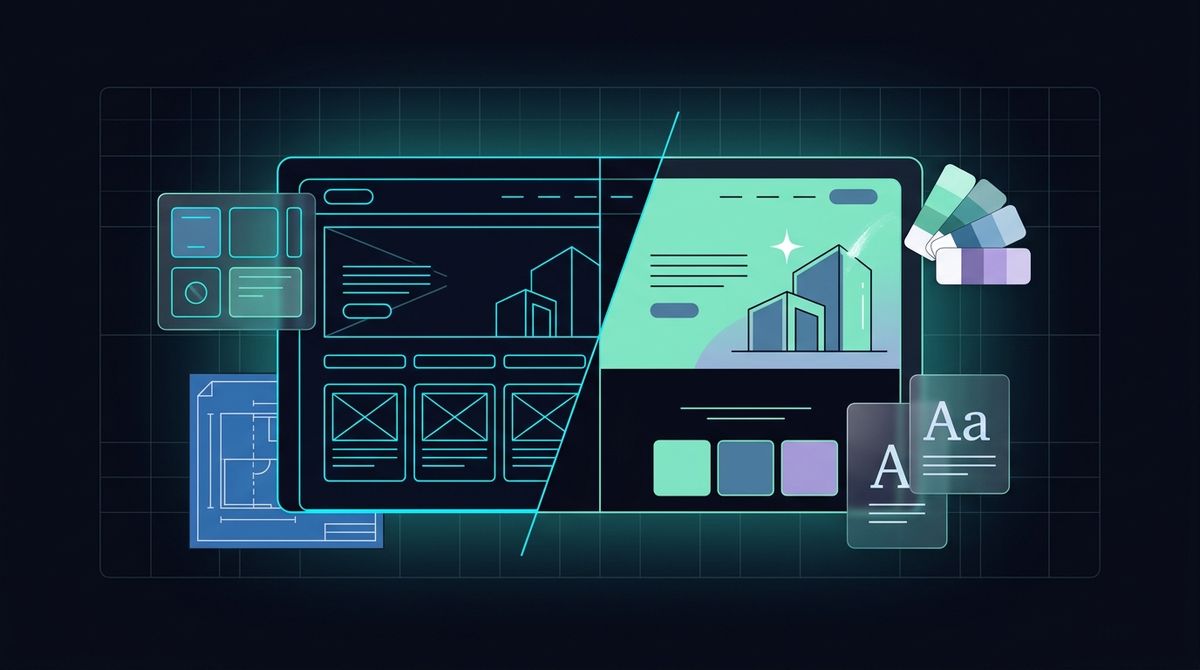
A website refresh is a targeted set of improvements to your existing site without rebuilding it. This might include updating your colour palette, refreshing your typography, rewriting copy, adding a testimonials section, improving your homepage hero, or updating service page content. The underlying structure and platform stay the same. You're improving what's already there.
A website redesign is a full rebuild. New design, new structure, often a new platform or CMS, and a new codebase. A redesign addresses fundamental problems with how the site is built or structured, not only how it looks. It's the right move when the foundation itself is the problem.
Signs you need a refresh, not a full redesign
A refresh is likely the right call if:
- Your underlying platform is solid and performing well
- Your page speed scores are reasonable
- Your site structure and navigation make sense to visitors
- The main issues are visual (the site looks dated) or content-related (copy is stale or out of date)
- You want to add a new section or service page
A refresh is faster, cheaper, and far less disruptive than a redesign. Depending on the scope, it can typically be completed in days to a few weeks rather than months.
Signs you need a full redesign
A redesign is the right investment when:
- The site is slow because of structural problems (poor code, an outdated platform, or unoptimised images baked into an old theme)
- Navigation issues can't be fixed without restructuring the site entirely
- The site is not mobile-friendly at the structural level, not just visually
- Your business is changing significantly (rebranding, new services, or a new target audience)
- Your current platform or CMS is outdated, unsupported, or difficult to manage day-to-day
A redesign is a bigger investment, but it's the right one when the foundation is broken. Patching over structural problems only delays the inevitable. When a rebuild is the answer, I handle the custom web development work from site structure through to launch.
The risk of refreshing a broken site
Updating the colours and copy of a fundamentally slow or poorly structured website is like painting a house with a cracked foundation. It might look better temporarily, but it doesn't solve the underlying problems. Visitors will still experience slow load times, clunky navigation, and a poor mobile experience, no matter how fresh the new palette looks.
If your site has structural issues, a refresh won't fix them. It may even make the decision to redesign harder to justify later, because the site will look newer without actually performing better.
Questions to ask before deciding
Before you commit to either path, ask yourself:
- Is the website slow even after images are compressed?
- Are there structural issues preventing the site from being properly mobile-friendly?
- Can the current platform support what you need over the next three years?
- Is the problem with the design, or with the underlying build?
If your honest answers point to structural or platform problems, a redesign is likely the right move. If the issues are surface-level, a refresh will serve you well.
Cost and timeline comparison
A website refresh can range from a few hundred to a few thousand dollars, depending on scope, and typically takes one to four weeks to complete.
A website redesign generally starts from around five thousand dollars for a straightforward site and can take two to three months from start to launch.
Neither option is inherently better than the other. The right choice depends entirely on the problem you're trying to solve. Spend the time to diagnose the real issue first, and you'll make a much more confident, cost-effective decision.
I start by diagnosing what is actually wrong with a site, so you only pay for a refresh or a rebuild when it is the right fix. Send the project brief with your current site and what is not working.